


CONNECT WITH YOUR CORTEX® SYSTEM ON BOARD
Download the Cortex Onboard app to your compatible smartphone or tablet, and use Wi-Fi® connectivity to configure and monitor your Cortex system from anywhere on your boat. View instrument data, and see alerts for AIS collision threats, anchor drags, man overboard (MOB) and more.

Make an easy onboard connection with your mobile device by using your unique QR code.

Move freely. Manage anchor watch, AIS collision threats and MOB situations from your smartphone.

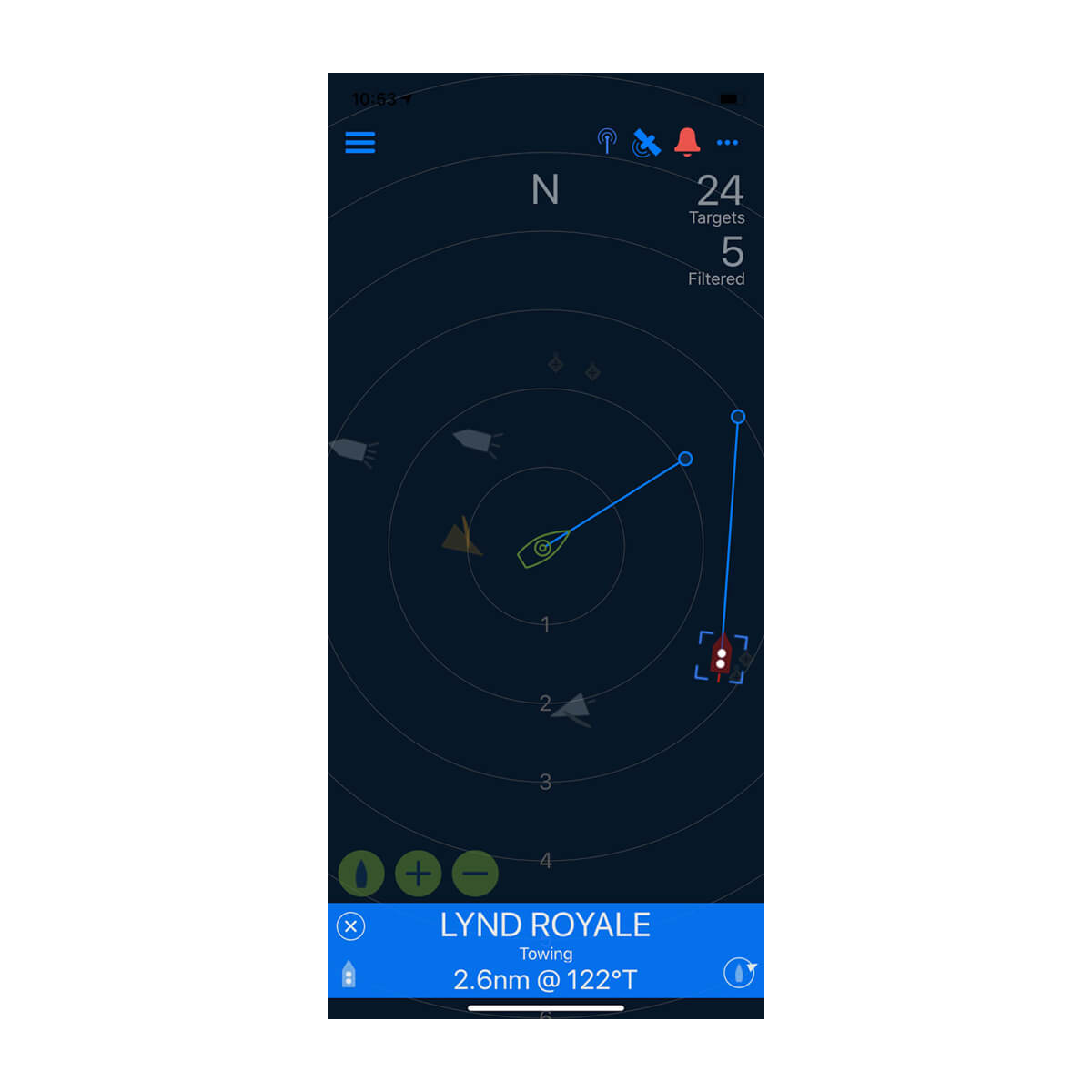
Know the situation. See boat traffic alerts and a plotter view of AIS targets on your phone.

Download the latest Cortex system updates and software versions to your Cortex hub.

Your connected NMEA 2000® network lets you monitor instrument and sensor data remotely on your phone.

Download the free Cortex Onboard app from Google Play or the App Store®.


Enjoy more onboard freedom, control and peace of mind.
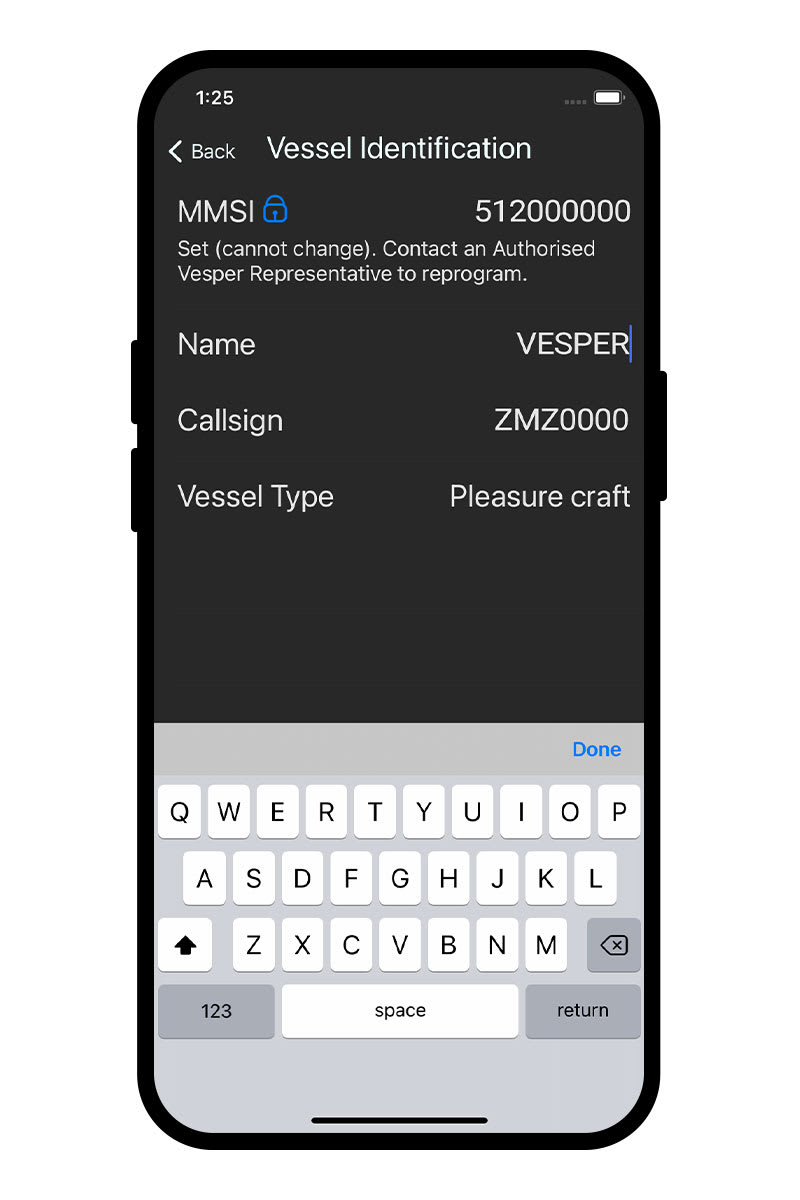
EASY TO SET UP AND USE
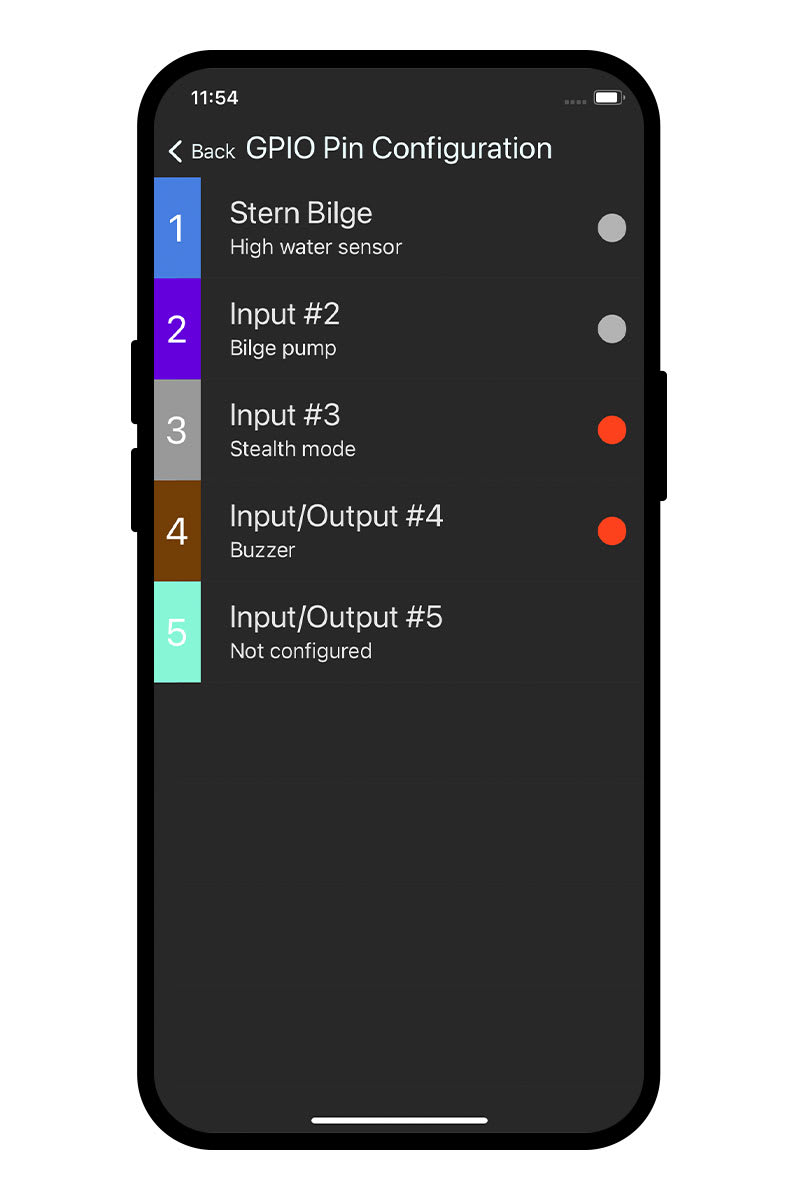
A configuration menu on the Cortex Onboard app enables initial device setup plus AIS programming, network settings, firmware updates and setup for sensor input/output. Once configured, the app allows you to view Cortex data screens much as they would appear on a Cortex handset.
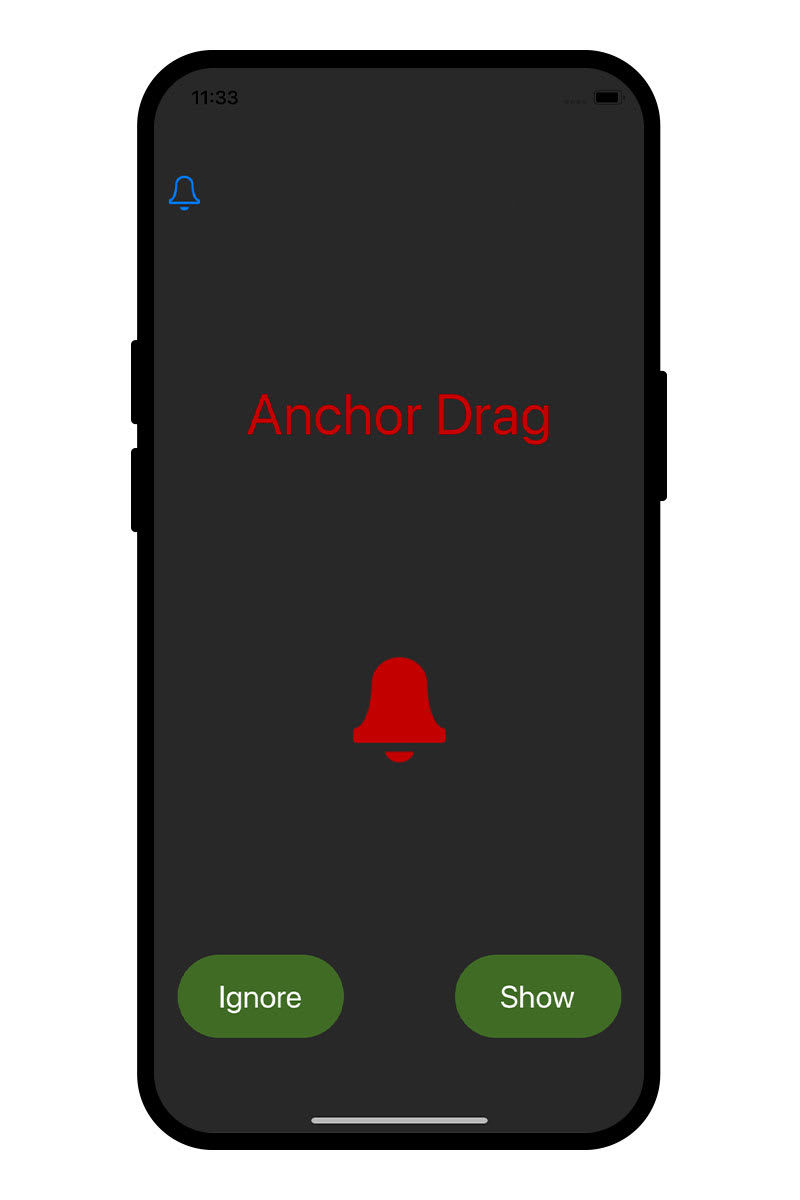
ON-BOAT CORTEX MONITORING
See boat status, get alerts, and monitor instrument data by using the Cortex Onboard app on your compatible smart device. Enjoy the freedom to remotely access your Cortex hub’s monitoring and alerting features from wherever you are on your boat.
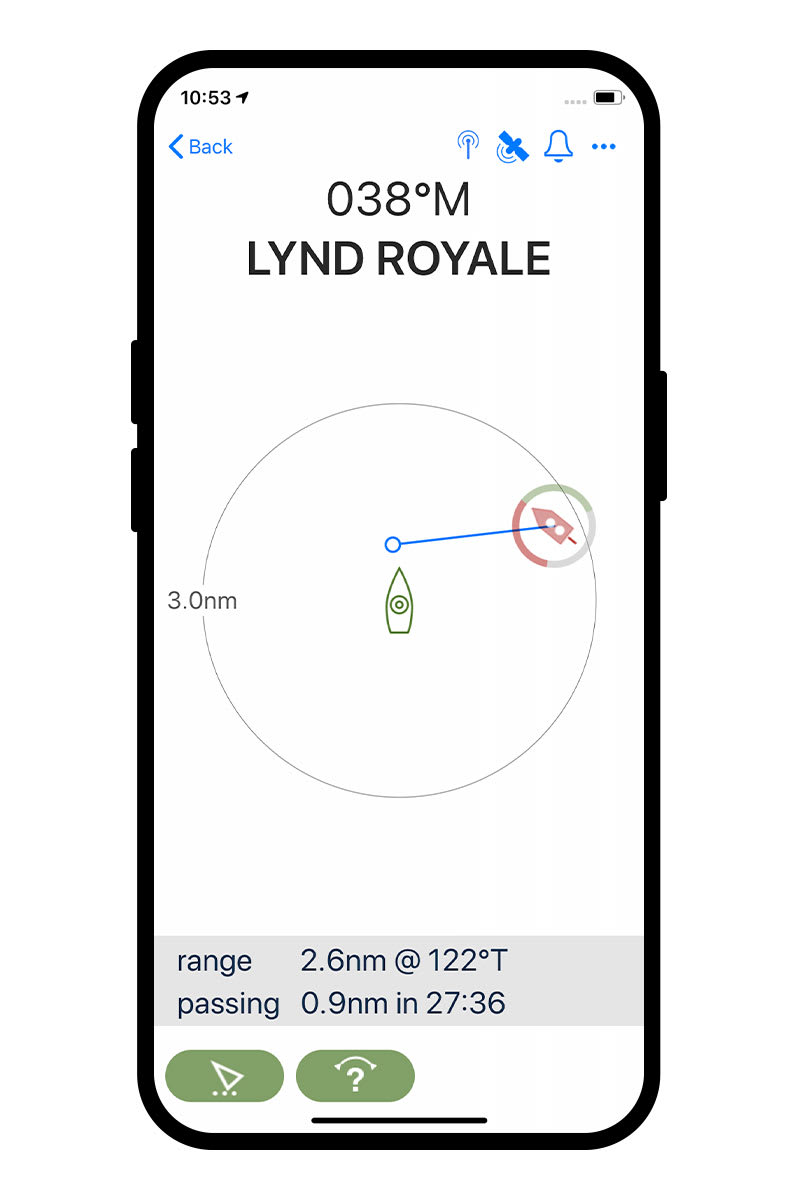
COLLISION AVOIDANCE
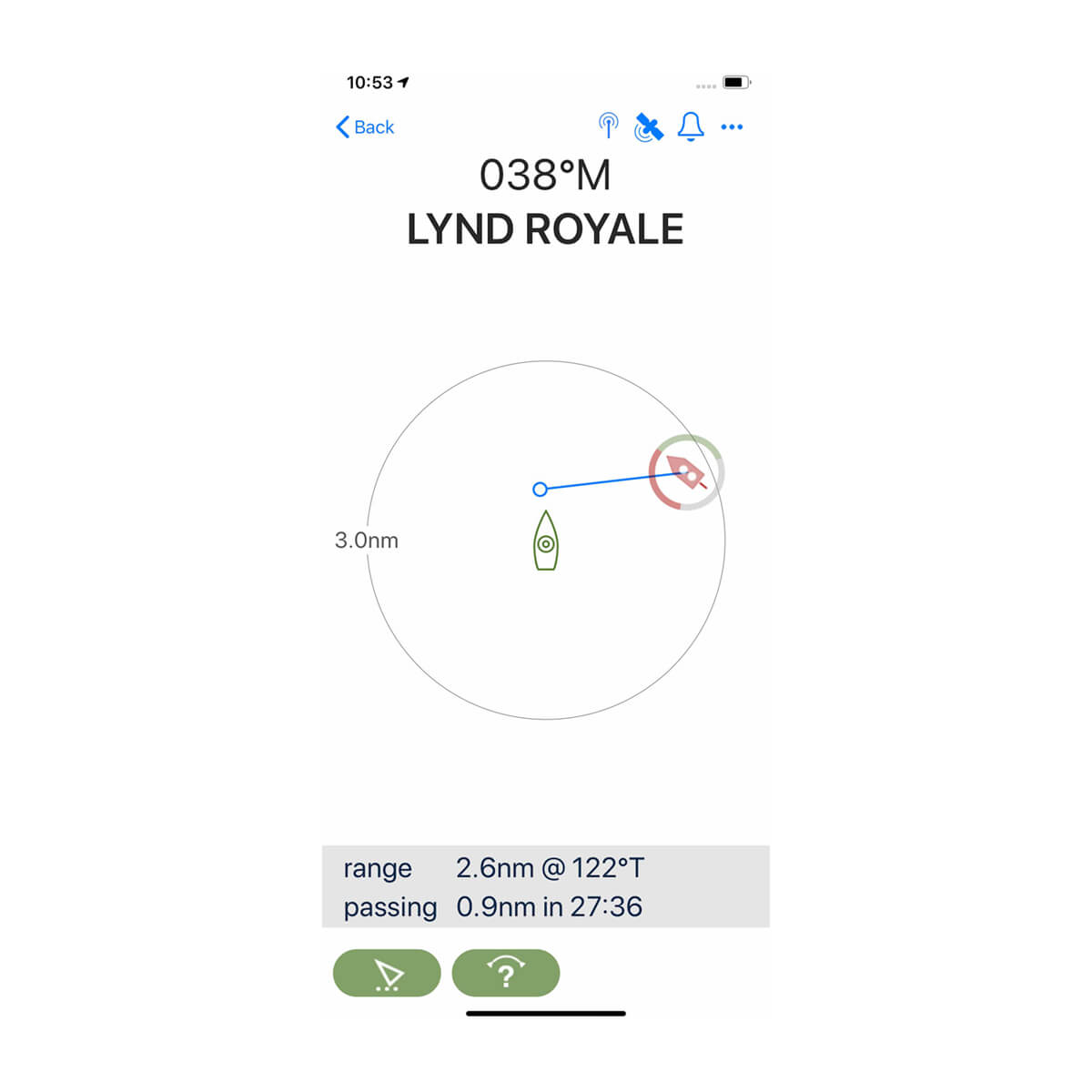
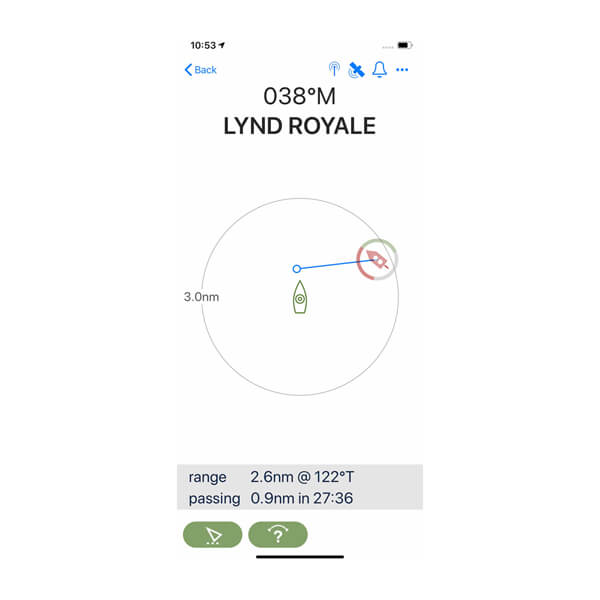
See Cortex AIS warnings of potential collision threats with another target vessel broadcasting AIS information, viewable directly on your smartphone or tablet. Quickly visualize a crossing situation, and clearly see key details such as range and bearing of the vessel as well as how close they might get to your boat.
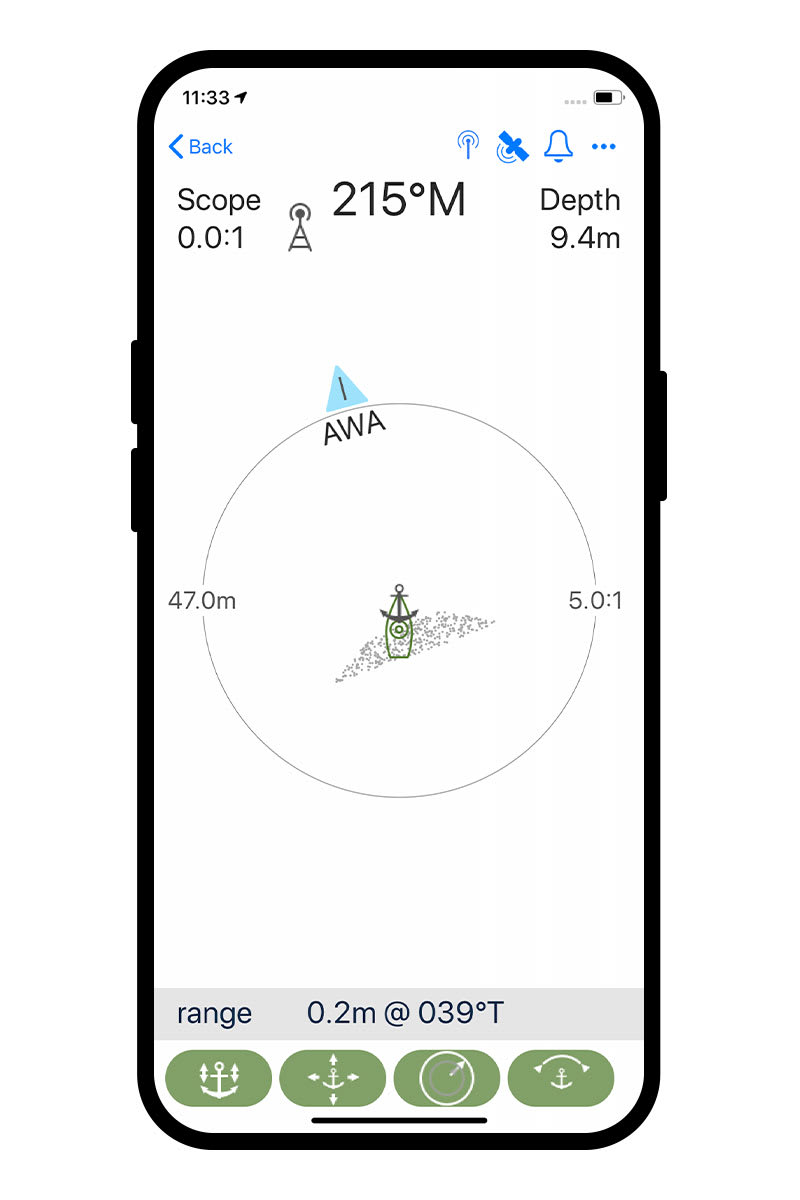
ANCHOR WATCH FEATURE
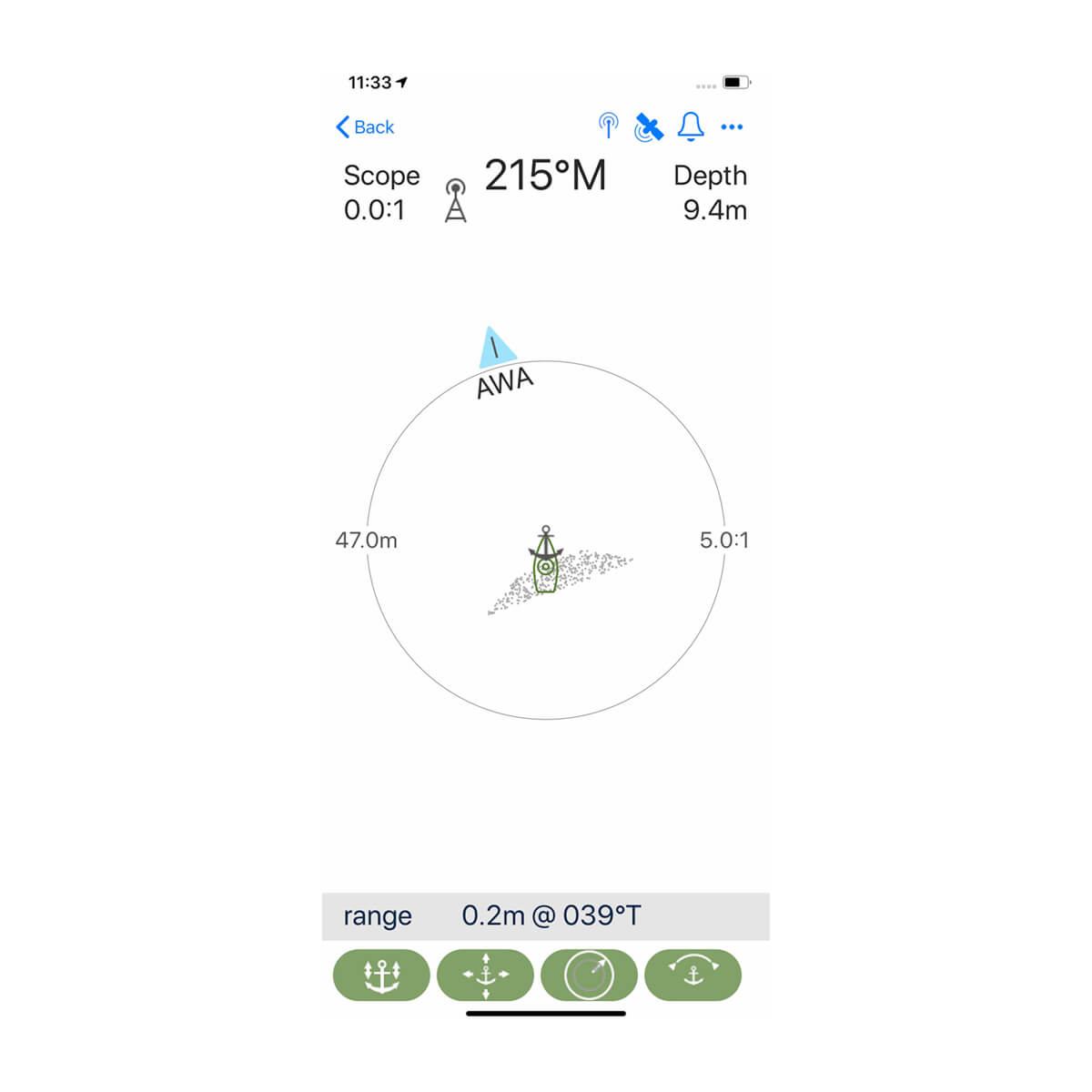
Keep an eye on your anchor position from the comfort of your bunk. Cortex uses smartAIS® technology to accurately track boat movement, heading and bow position — sounding an alert if your anchor drags. Use the Cortex Onboard app to set or move position and set alarm zone and other parameters from anywhere on board.
MOB ALERT
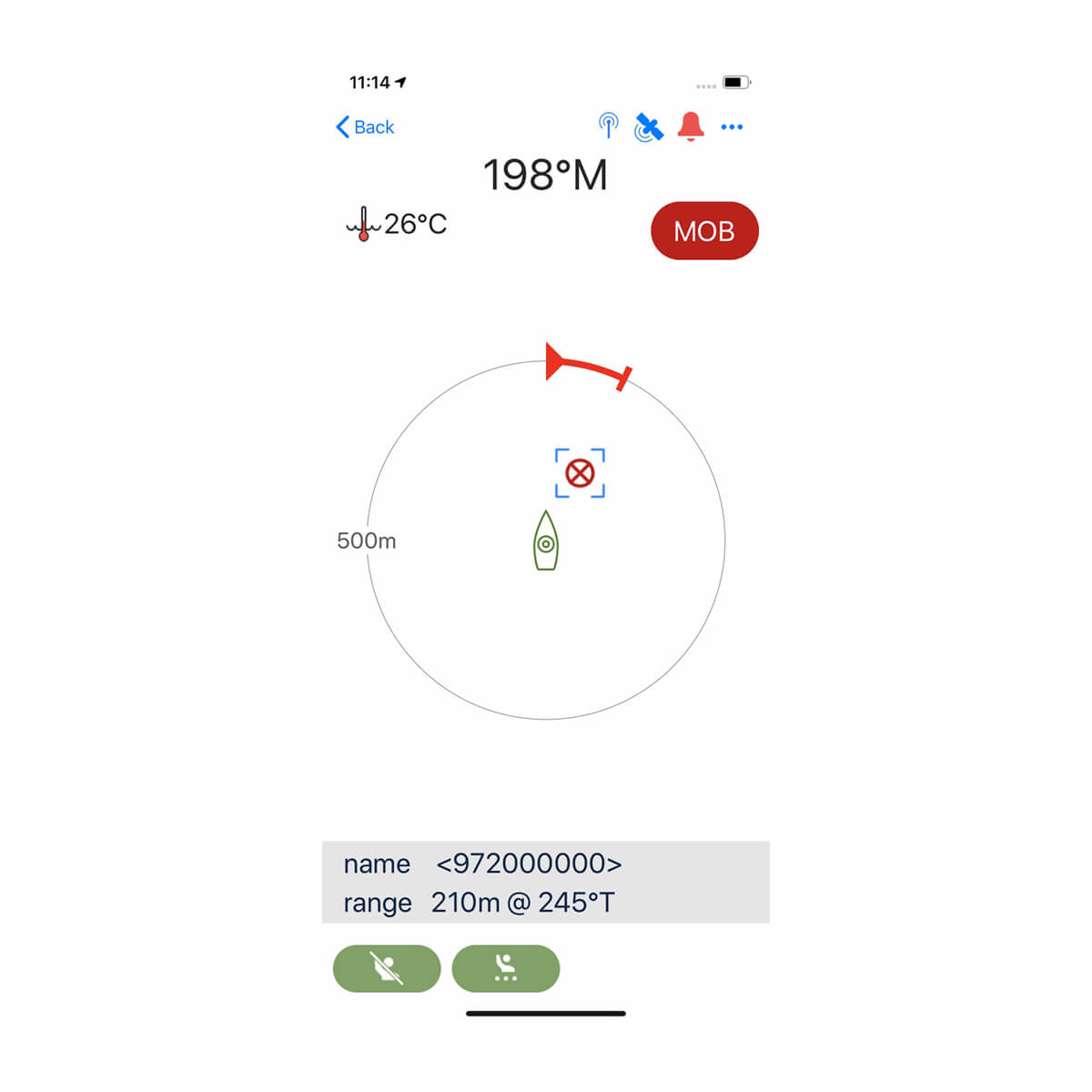
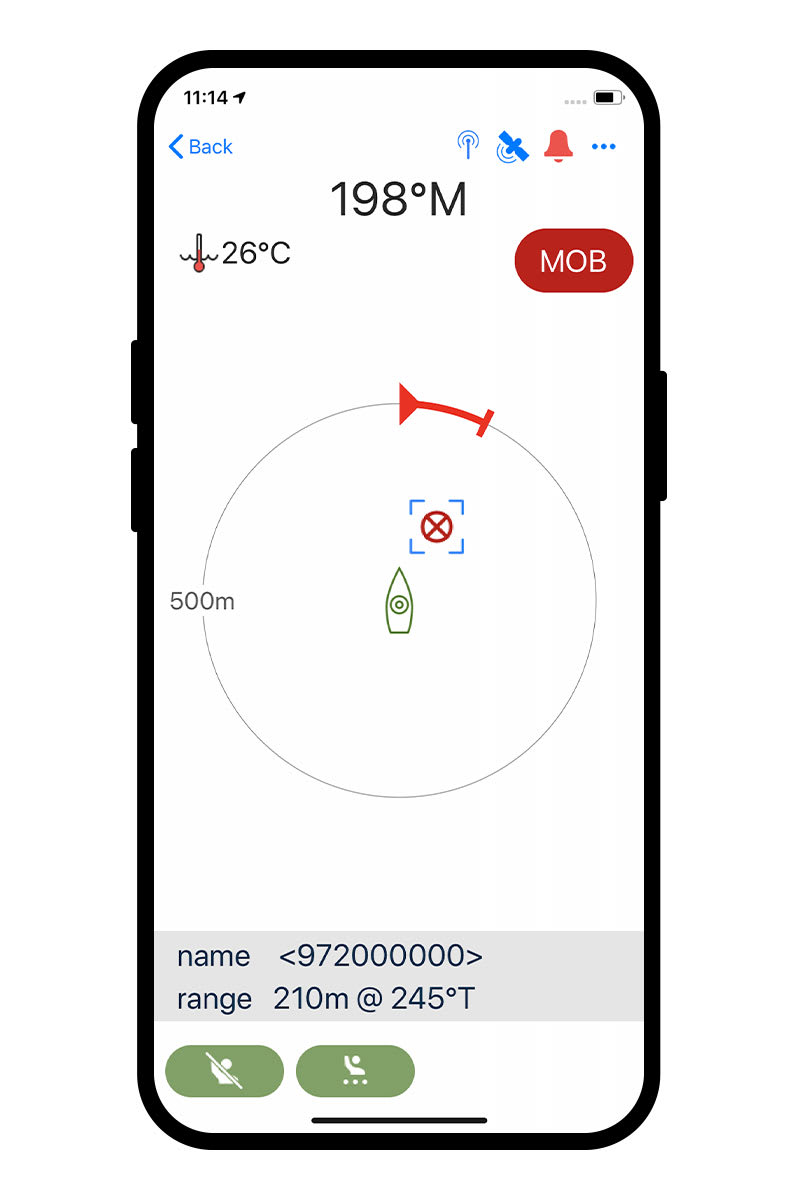
Wherever you are on board, if Cortex detects an MOB activation, you can see an alert on your Cortex Onboard app. It will automatically display a dedicated MOB situation screen on your device showing the location, bearing and range of the MOB beacon for quick retrieval.
HORN AND LOUDSPEAKER
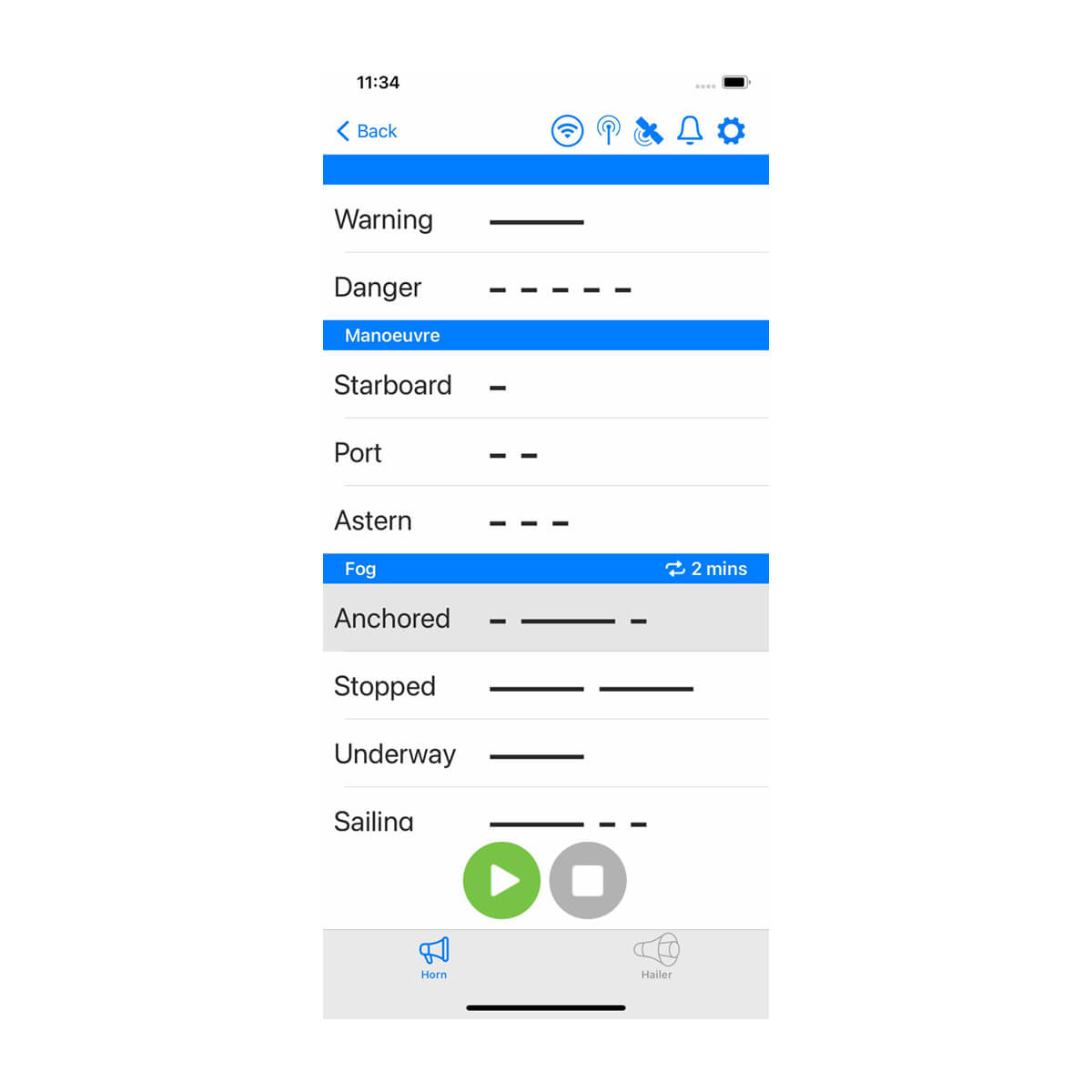
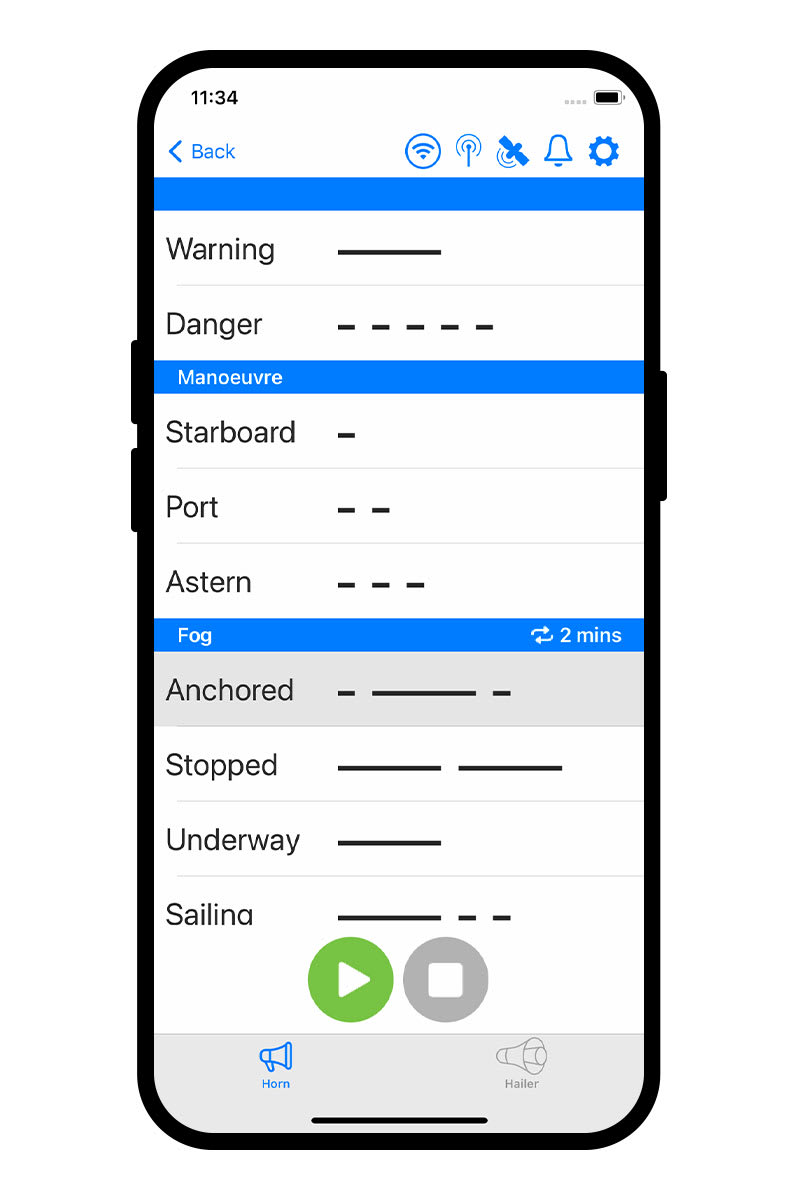
Need to catch someone’s attention? Easily sound preset horn signals, or speak through your loudspeaker directly from your smartphone by using the Cortex Onboard app.
INSTRUMENT DATA
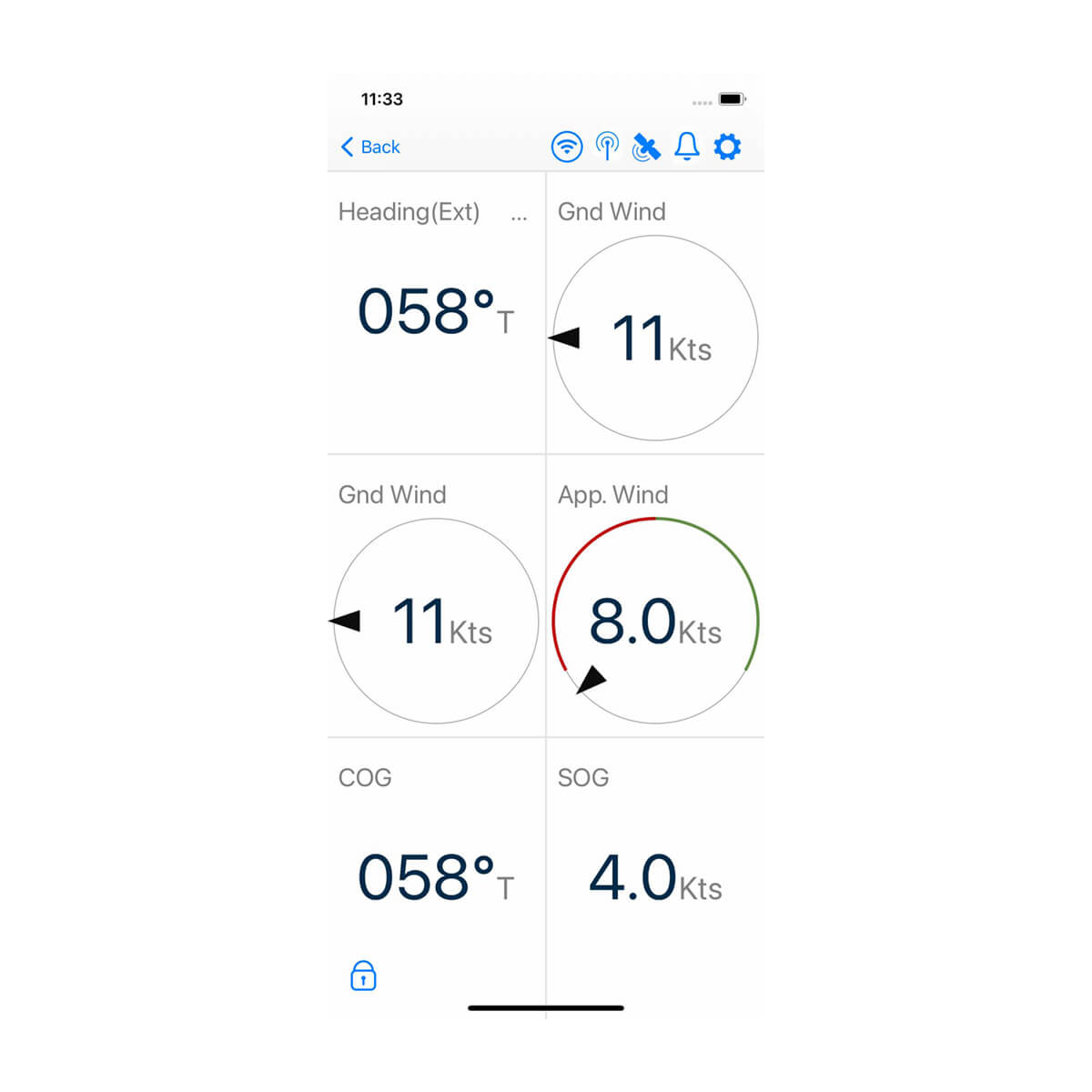
See a wide range of configured sensors and data available through your Cortex system on your smartphone or tablet. Use the Cortex Onboard app to select from different screen layouts and data sources to be presented on the display.
MORE AT YOUR FINGERTIPS
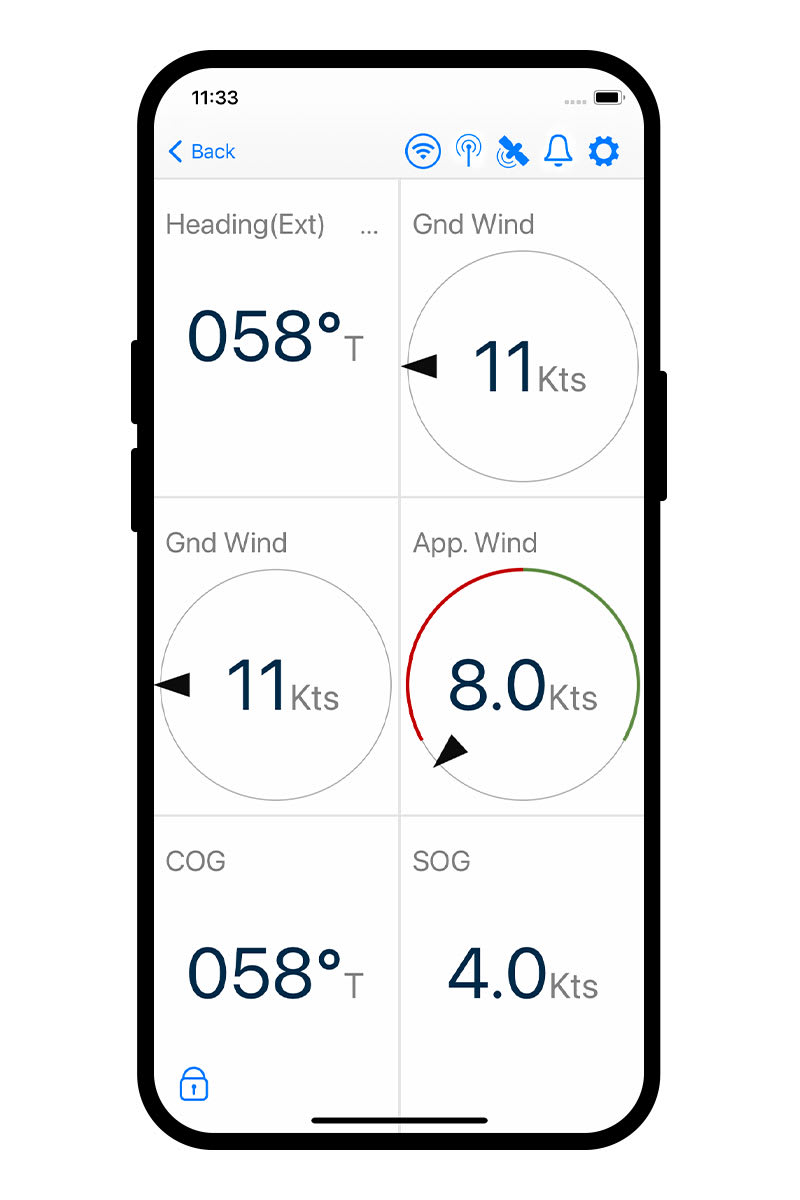
See built-in sensors data such as heading, course and speed, or network NMEA 2000 or NMEA 0183 sensors, including depth or wind direction and speed. The Cortex Onboard app puts more data at your fingertips from anywhere on board.
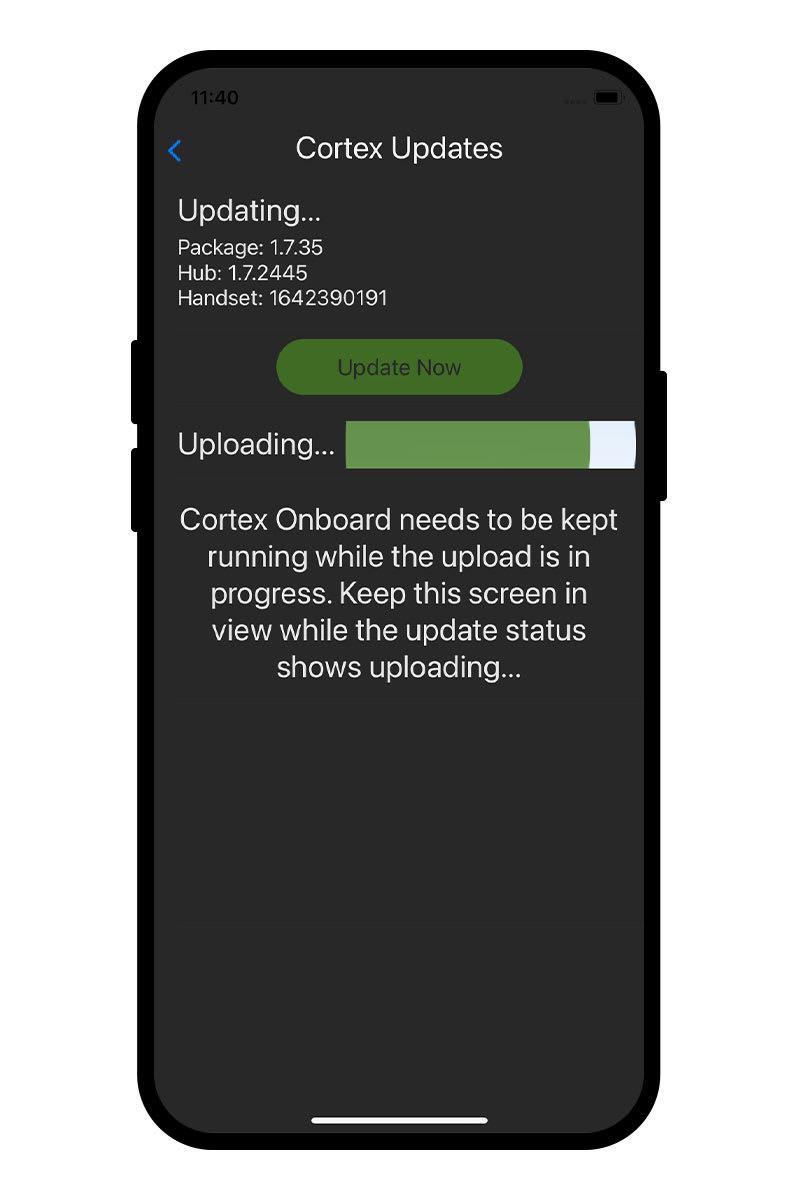
UPDATE YOUR CORTEX SYSTEM EASILY
Your Cortex system will only get smarter. New features and functionality are being developed all the time and are automatically downloaded to the Cortex Onboard app for easy updates to your Cortex hub whenever it’s convenient.
Reviews
There are no reviews yet.